Ways to Stay Safe Online
Scams can happen to anyone, no matter how careful or aware you are. New Zealanders lose millions of dollars to scams each year.
If you’ve lost money through a scam it’s important you contact your bank as soon as possible.
While telecommunications providers invest in scam prevention tools and technology to protect customers, there are simple steps you can take to stay safe online.
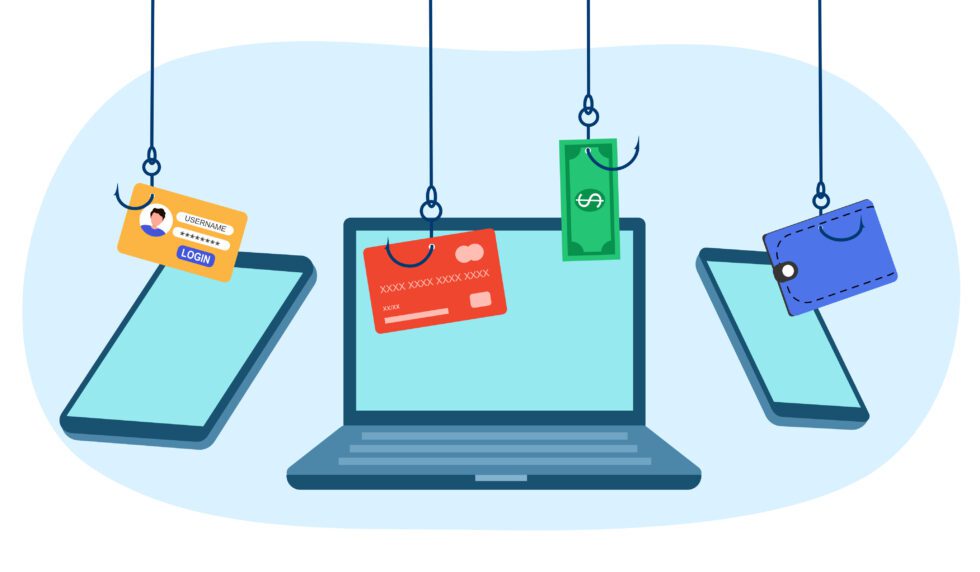
Don’t be rushed by urgency
If you receive a suspicious text message, phone call or email:
- Treat unexpected or unsolicited contact with caution, hang up the phone
- Avoid clicking links, attachments,QR codes or replying to the message
- Avoid sharing any personal information or financial details
If the message claims to be from a real organisation, contact them directly using the details on their official website – not the details in the message.
Verify Before You Trust
If contacted unexpectedly:
- Pause
- Check
- Verify independently
Never rely solely on information provided by the person contacting you.
Protect your Personal Information
Personal information can be valuable to scammers.
Think carefully before sharing:
- Date of birth
- Address
- Identification documents
- Financial information
- Login credentials
Setup Multi-Factor Authentication (MFA)
Multi-factor authentication (MFA) adds an extra layer of protection by requiring an additional security step when signing in.
Whenever available, enable MFA on:
- Email accounts
- Banking or payment provider accounts
- Social media
- Shopping accounts
- Cloud services
Use Long and Strong Passwords
- Create unique passwords for every account
- Setup a password manager to generate and store these passwords securely
- Take the time to update your passwords annually
Keep Devices Updated
Install updates promptly for:
- Phones
- Tablets
- Computers
- Applications
- Security software
Updates often contain important security fixes.
Using a VPN or Virtual Private Network when using Wi-Fi ‘hides’ your data and people on the same public Wi-Fi hotspot from spying on your activity.
This prevents hackers, network owners, and internet providers from seeing your web traffic, passwords, or personal details, which is especially useful on public networks at cafes, airports, or hotels.
What is MFA?
MFA or 2FA (multi-factor or 2 factor authentication) is when along with having to enter your password to access a secure website, you are also required to take a second step to confirm your identity.
Often this second step involves sending a code via SMS text message to your mobile phone for you to enter into the website. Many websites are now offering alternative means for this second step authentication, such as getting you to install a special authentication app on your phone. Where possible, try to use the app method and avoid relying on an SMS text message or a phone call for this second step authentication.
Where to get help
If you or someone you know has been scammed, don’t be afraid to ask for support without shame.